Handyman spreadsheet vs. app: which fits your business?
Compare a spreadsheet with field-service software using the scheduling, payment and communication needs you have today.
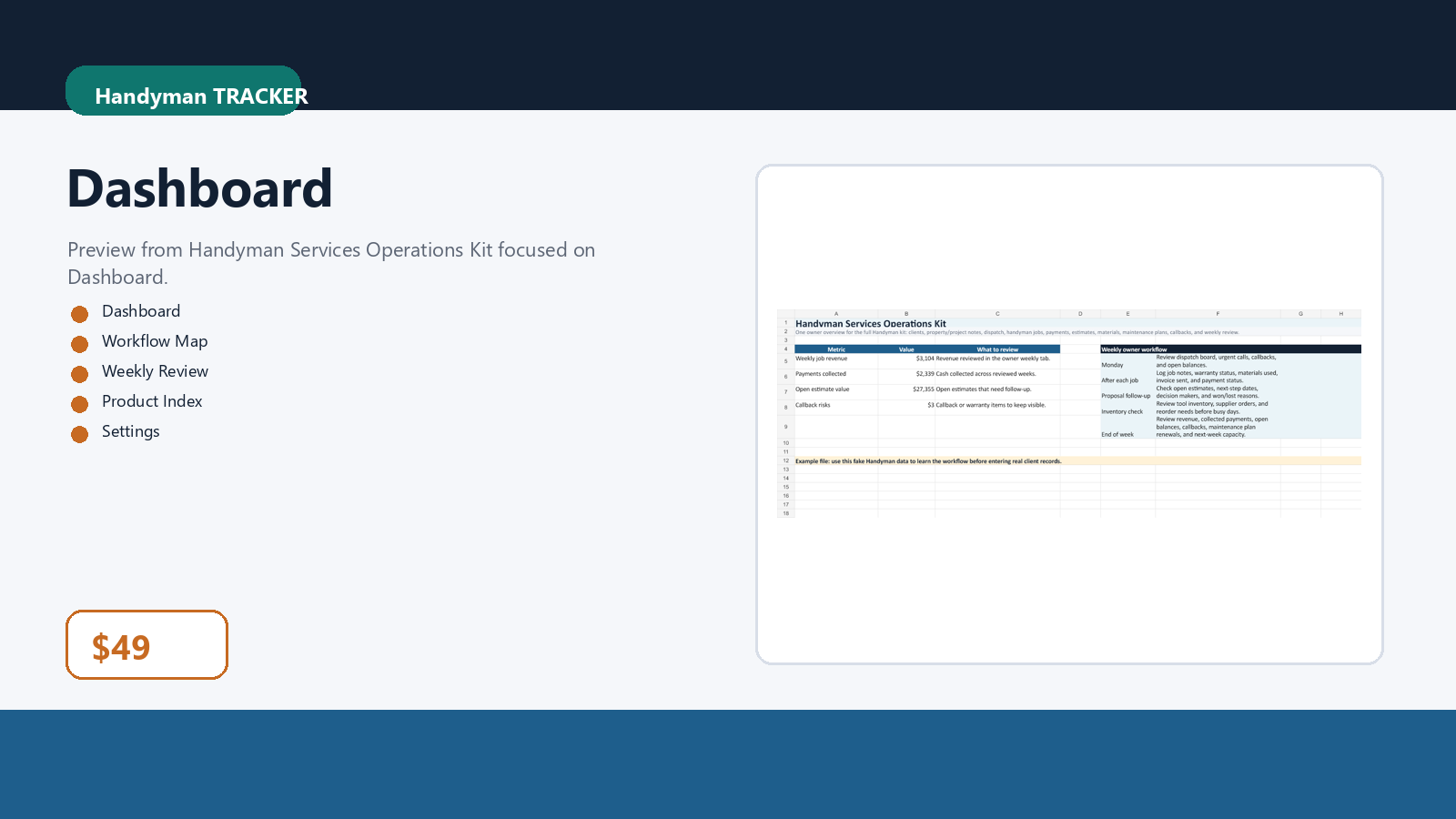
Is a spreadsheet enough for a handyman business?
A spreadsheet can be a good fit when an owner or small team mainly needs a shared view of jobs, estimates, payments and follow-ups, and someone can keep it updated. An app may be a better fit when the business needs live dispatch, automated customer messages, online payments or integrations. Compare the tasks you actually need to do, not just the number of features.
Compare the work, not just the tools
- Scheduling: A spreadsheet can show appointments and assignments. A field-service app may offer live dispatch and alerts; check the specific product.
- Invoices and payments: A spreadsheet can record charges, payments and balances. If you need to send invoices or accept payments inside the tool, check for those functions in an app or your existing billing system.
- Sharing: A shared workbook can support coordinated updates when people follow the same process. An app may offer permissions and mobile workflows that suit a larger crew.
- Cost and upkeep: Compare purchase or subscription costs, setup time, training, backups and the work required to keep records current.
Example: an owner managing a small schedule
A solo handyman with a handful of weekly jobs might use a workbook to record the address, scope, estimate, appointment, payment status and next action. That can make open estimates and unpaid work visible without introducing a new dispatch system. This is an illustrative example; the right choice depends on how the owner works.
Example: a crew that needs live coordination
A business with several technicians, frequent same-day changes and customers expecting automatic arrival messages may benefit from software designed for dispatch. Before switching, test the actual workflow: who updates assignments, how the field team sees changes, and whether the tool connects to the business’s invoicing process.
Questions to ask before changing systems
- Which information is getting lost today: appointments, job details, estimates or payments?
- Who needs access, and do they need updates while away from a computer?
- Must the tool send invoices, take payment or automate messages, or is recording the status enough?
- How will you move existing customer and job records, and who will maintain them?
- What will the full cost and training effort be for your team?
Start with the workflow you need
The handyman jobs and payments guide explains what to record after a visit. The weekly review guide helps turn those records into next actions. The handyman operations kit offers spreadsheet tools for owners who prefer that approach; review its product details before buying.